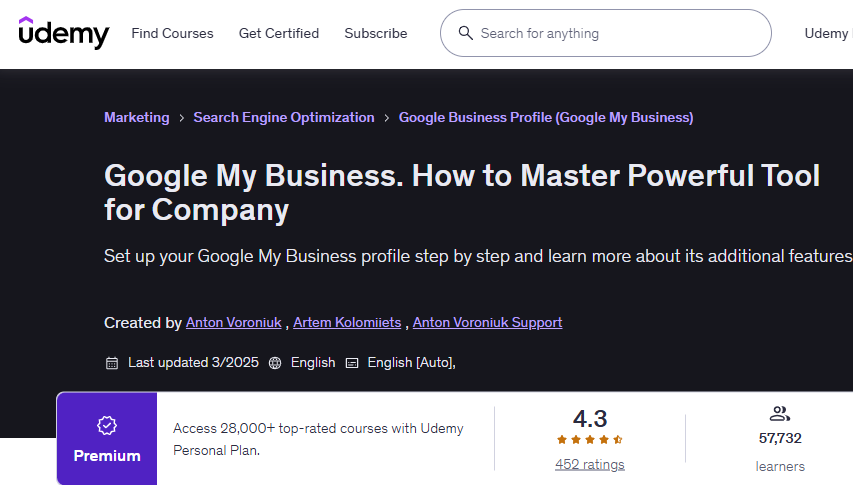
Google Business Profile (Google My Business) | Search Engine Optimization | Marketing
Set up your Google My Business profile step by step and learn more about its additional features

This Google my business course includes:
- 1 hour on-demand video
- 2 articles
- Access on mobile and TV
- Closed captions
- Certificate of completion
- 30-Day Money-Back Guarantee
This Google my Business Course content
It has 8 sections and 26 lectures which are given below.
Overview of Google My Business Functions
3 lectures
- Why GMB is Useful. Explore Benefits and Business Value.
- Features Overview.
- How to Study on Udemy Effectively?
- Google MyBusiness Introduction
Google My Business Setup
4 lectures
- Registration
- Confirmation
- Setting Up a Profile
- Multiple Locations
Additional Features of Google My Business
9 lectures
- Adding Products and Services
- Adding Images to GMB
- Adding News and Promotions to GMB
- Booking Button
- Chat
- FAQ (Questions and Answers)
- Opening Hours
- Menu
- Webpage on the Constructor from Google My Business
Google my business Reviews
3 lectures
- Why We Need Reviews and What Their Advantages Are
- How to Get Reviews
- Tips for working with reviews
GMB Ranking Factors
1 lecture
- Aspects that Affect Ranking Factors of Google My Business
Statistics and Data Analysis
1 lecture
- Analytics Tool to Get Data
Conclusions and Tips
4 lectures
- Summary of the course
- How to Leave a Review for the Course
- How to Get a Certificate
- TOP 90 AI Tools in 2024-2025
BONUS
1 lecture
- BONUS LECTURE